
Skip to content
Enterprise agents

Agents that work inside your ERP, your CRM and your records. You approve what matters.

CUANTICO agents handle requests, draft minutes, check controls and operate your ERP over Teams, email or WhatsApp. Every action is logged, and critical decisions go through a person.

New · Monitor IA por CUANTICO

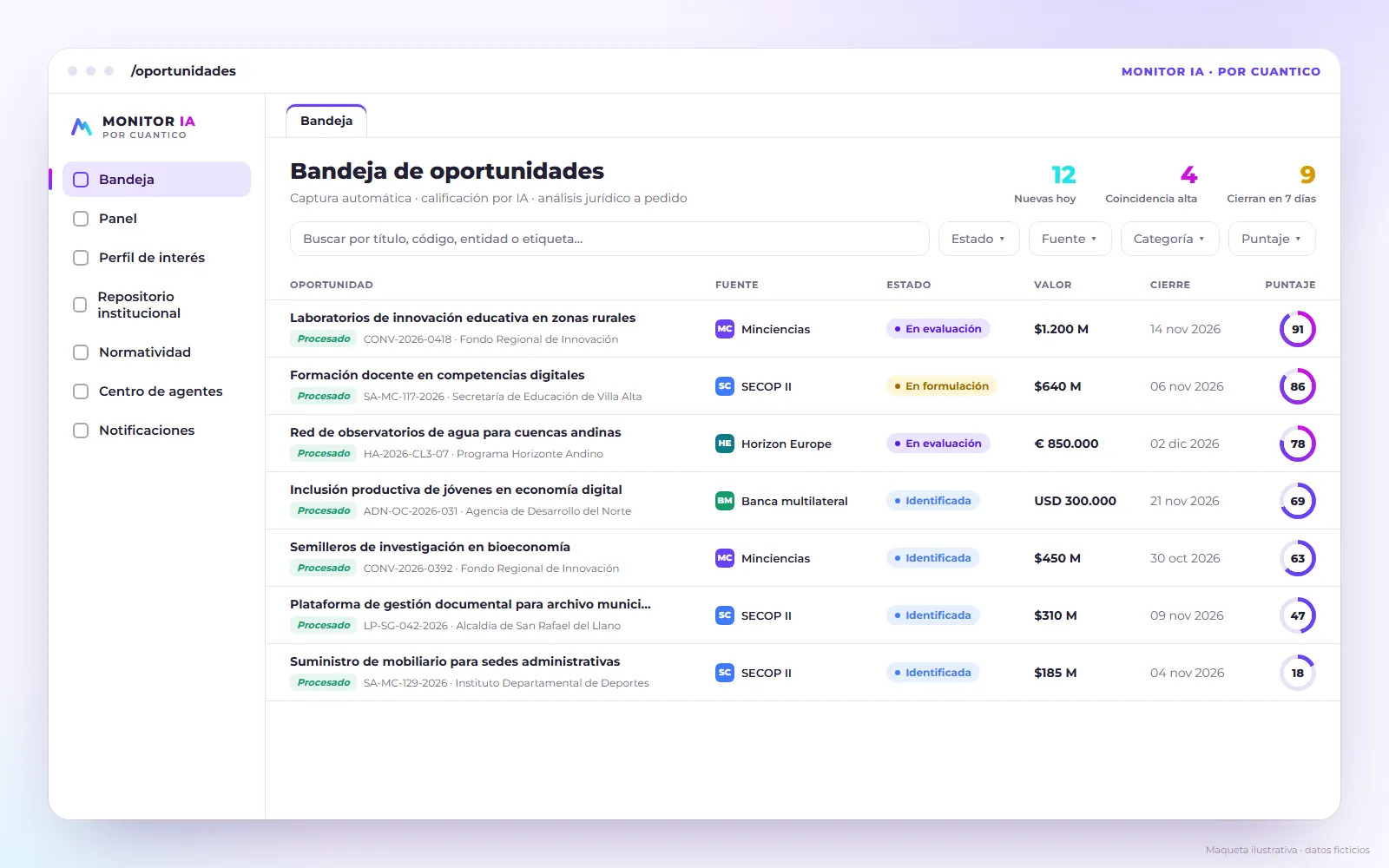
Monitor IA: agents that watch public funding calls for your team

It expands the capacity of project developers, researchers and business development teams: it captures funding calls, scores them for your institution and reads the terms of reference. Running today at UNAD (Universidad Nacional Abierta y a Distancia).

  1. MonitorCaptures new calls and their attachments.
  2. ScorerScores them from 0 to 100 against your institution's interest profile.
  3. LawyerChecks the requirements against your repository and builds the compliance matrix.
Discover Monitor IA
Mockup with fictitious data of the Monitor IA opportunities inbox, with calls sorted by relevance score
How an agent works

From the conversation to the system, with every step logged

The agent takes the request through the usual channel, operates your systems with the permissions of its role and records what it did. A person approves anything critical.

  1. ReceivesThe request arrives over Teams, email, WhatsApp or the web.
  2. InterpretsThe agent understands what is being asked and decides the next step within your limits.
  3. OperatesIt queries and prepares work in your ERP, CRM and document system, with the permissions of its role.
  4. LogsEvery query, decision and action is recorded with date, user and evidence.
Nine use cases in production

What an agent can do in your operation

All nine use cases are in production. Each card is a capability we adapt with you to your real process. Open it to see the steps, the channels, the systems and where a person decides.

Customer and citizen requests

Requests arrive on several channels, some get lost and response deadlines pass without anyone noticing.

How it works, step by step
What the agent does
  1. Receives the request over WhatsApp, email or the website.
  2. Identifies the type of request and the requester’s details.
  3. Logs it in your document system with a number and date.
  4. Routes it to the responsible team according to your rules.
  5. Drafts a reply from your policies and past answers.
  6. Tracks the deadline and alerts before it expires.
  7. Keeps the requester informed about the status of their case.
Channels
WhatsApp, email, web.
Systems
Document management system, CRM.
Where a person decides
Reviews, edits and signs every reply; sensitive cases escalate at once.
Expected outcome
No request goes unlogged; deadlines under control; consistent answers across teams.
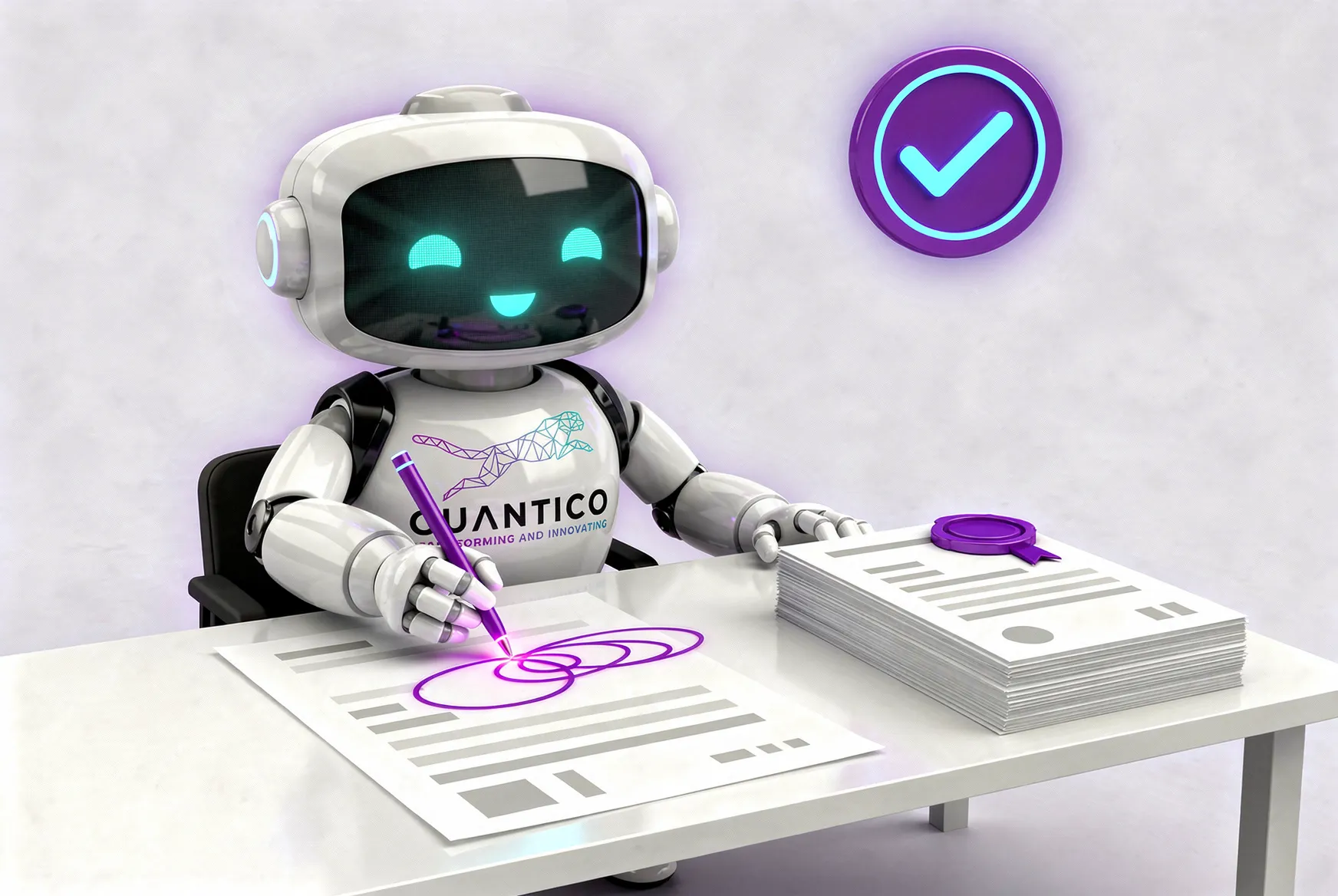
Illustration of the CUANTICO robot next to a set of minutes with signature lines

Minutes that write and sign themselves

Drafting minutes, circulating them and chasing signatures takes days, and versions end up scattered in email.

How it works, step by step
What the agent does
  1. Takes the recording or the notes of the meeting.
  2. Drafts the minutes with decisions, owners and dates.
  3. Circulates them for comments and consolidates the changes.
  4. Sends them for e-signature.
  5. Files the signed version and opens a follow-up task for each commitment.
Channels
Teams, email.
Systems
Document management, e-signature, task manager.
Where a person decides
The committee secretary approves the draft; members sign.
Expected outcome
Signed minutes without chasing anyone; commitments with follow-up.
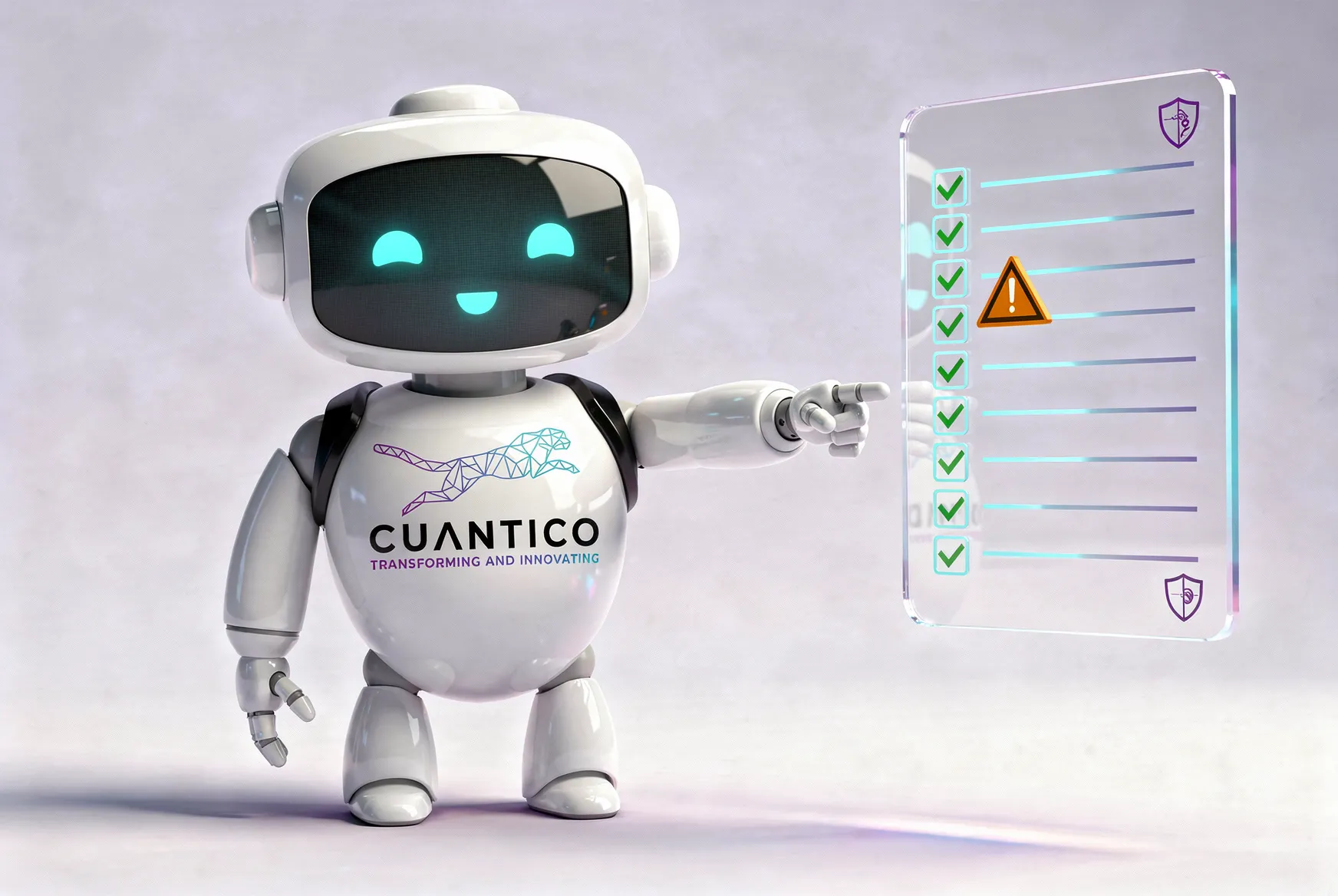
Illustration of the CUANTICO robot in front of a controls dashboard with alerts

Controls checked every day, not by sampling

Controls and expirations are checked by hand and by sampling, so findings surface when it is too late.

How it works, step by step
What the agent does
  1. Runs your control checklist against the data in your systems.
  2. Watches regulatory sources for changes that affect you.
  3. Tracks expirations: policies, licenses and filings.
  4. Alerts the owner with the evidence.
  5. Documents every check.
Channels
Email, Teams and WhatsApp for alerts.
Systems
ERP, management system, regulatory sources.
Where a person decides
Control owners decide the action; compliance validates findings.
Expected outcome
Continuous verification; audit evidence ready when needed.
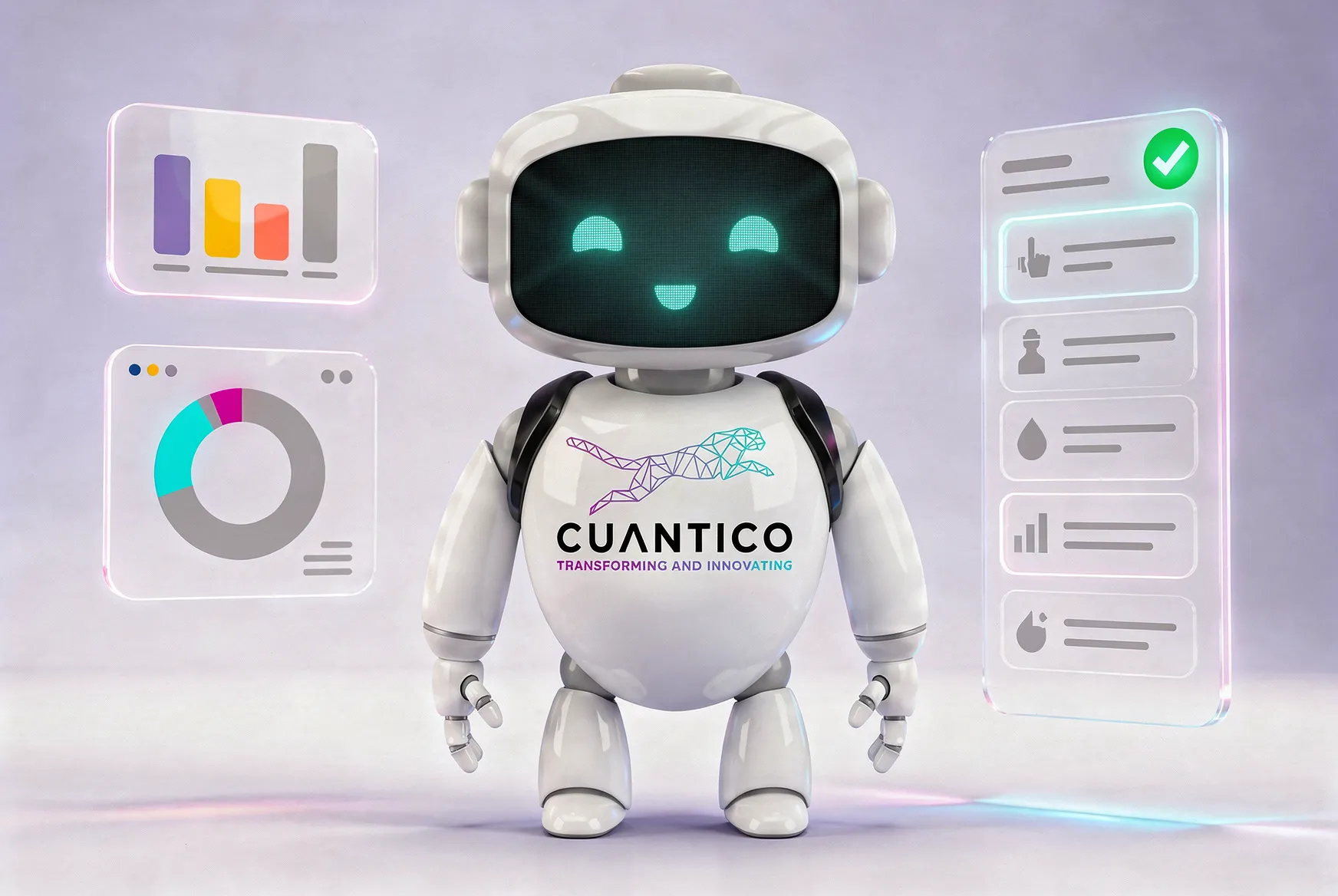
Illustration of the CUANTICO robot querying the panels of a business system

An ERP operator anyone can ask

Simple questions depend on the few people who know the ERP, and reconciliations live in spreadsheets.

How it works, step by step
What the agent does
  1. Answers ERP questions in plain language: stock, order status, receivables.
  2. Prepares purchase or sales orders for approval.
  3. Reconciles ERP and bank movements and flags differences.
  4. Produces the reports that are built by hand today.
Channels
Teams, WhatsApp.
Systems
SAP, Microsoft Dynamics.
Where a person decides
Orders and accounting adjustments are approved by an authorized person.
Expected outcome
The ERP within reach of the whole team; reconciliations without spreadsheets.
Illustration of the CUANTICO robot reviewing a case file with a magnifying glass

Internal audit and disciplinary cases with due process

Case files are large, procedural deadlines are strict and one procedural error can sink the case.

How it works, step by step
What the agent does
  1. Organizes the case file.
  2. Extracts facts, dates and evidence into a timeline.
  3. Tracks the deadline of each stage.
  4. Drafts reports citing the evidence for every statement.
  5. Logs every query and every change.
Channels
Teams, email.
Systems
Document management, management system.
Where a person decides
The auditor or competent officer decides. The agent never rates conduct or imposes sanctions.
Expected outcome
Orderly case files; deadlines under control; every step reconstructable.

Multi-agent orchestration

Many processes cross teams, and today the case is handed from person to person.

How it works, step by step
What the agent does
  1. An orchestrator splits the request among specialist agents: requests, ERP, compliance and documents.
  2. Each specialist does its part with its own permissions.
  3. The orchestrator consolidates and delivers the result.
  4. When in doubt or when something fails, it escalates to a person.
Channels
Teams, email, WhatsApp.
Systems
The ones in the other use cases.
Where a person decides
Supervises the flow and approves critical outputs.
Expected outcome
End-to-end processes without hand-offs; one log of what each agent did.
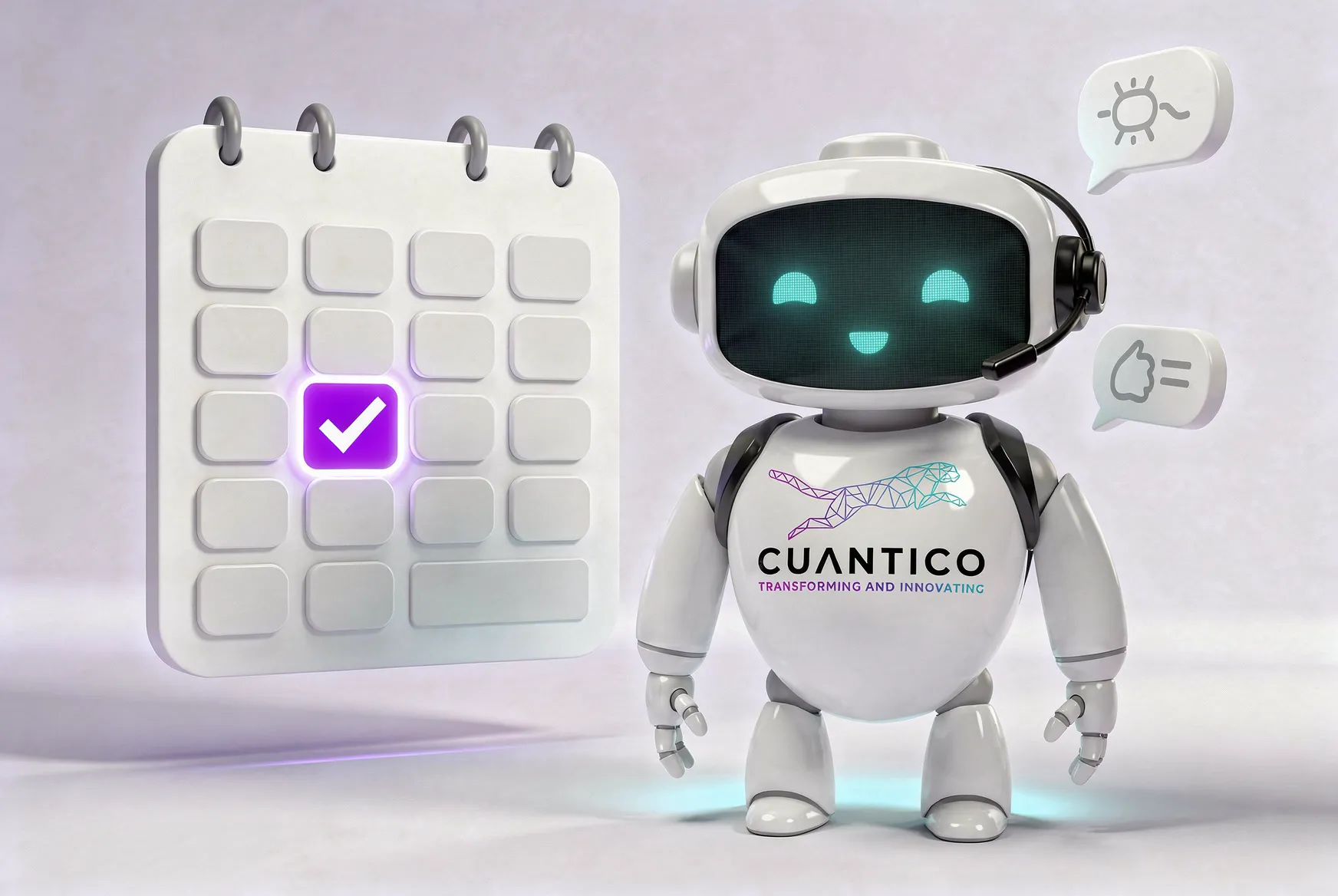
Illustration of the CUANTICO robot next to a calendar and a conversation with a prospect

Sales agent

Prospects write at any hour, wait hours for a basic answer and the rep starts the conversation from scratch.

How it works, step by step
What the agent does
  1. Answers right away from your catalog and website.
  2. Asks the qualification questions you define: need, size, urgency and budget.
  3. Books the meeting in the rep’s calendar.
  4. Logs the prospect and the conversation in your CRM.
  5. Hands the rep a summary: who they are, what they need and what they were already told.
Channels
WhatsApp, web, email.
Systems
CRM, calendar, product catalog.
Where a person decides
The sales rep takes over once the lead is qualified or on request; special prices and commitments come only from a person.
Expected outcome
No lead left waiting; reps arrive knowing the case; a CRM that stays current.
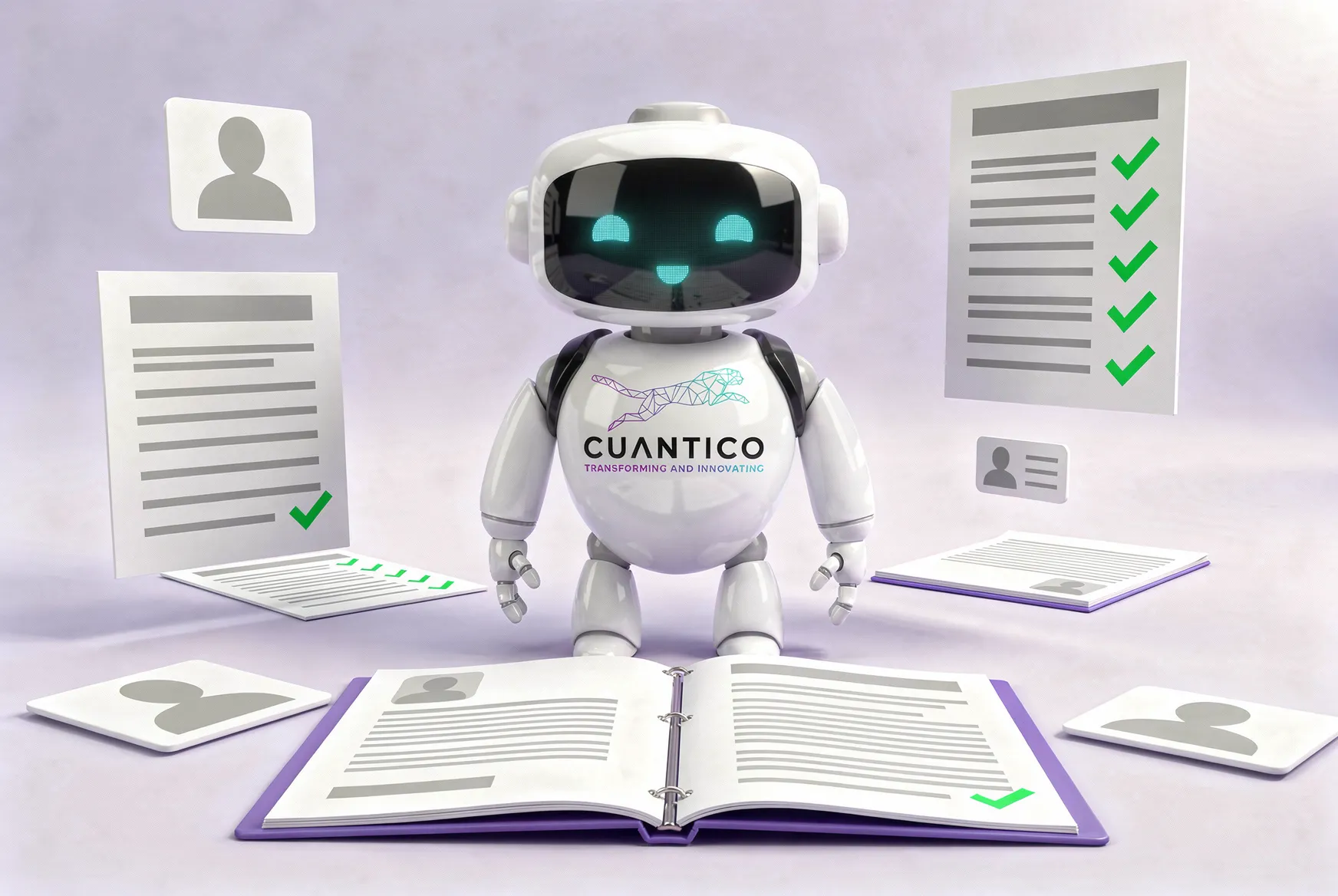
Illustration of the CUANTICO robot in front of an open file with verified documents

Know your customer (KYC)

Onboarding a customer or supplier by hand is slow, often incomplete, and the evidence ends up scattered.

How it works, step by step
What the agent does
  1. Requests the documents each type of party needs and tracks their expiry.
  2. Checks that they are the right ones and that the data match.
  3. Screens the party against sanctions lists, including OFAC and UN, and official sources.
  4. Builds the evidence file for every check: date, source and result.
  5. Flags inconsistencies with the reason.
Channels
WhatsApp, email, web.
Systems
Document management, sanctions-list sources, ERP or CRM.
Where a person decides
The compliance officer always makes the onboarding decision.
Expected outcome
Complete, auditable files; support for buyer due diligence on Colombian minerals.
What exists today
In the mineral supply chain, KYC is already part of MinTrace: screening against 113 restricted-party sources, document control and identity verification. For other industries, the KYC agent is built on that same base, tailored to your compliance policy.

Identity verification with consent

Confirming that whoever signs, onboards or accesses a service is who they claim to be, without being there in person.

How it works, step by step
What the agent does
  1. Explains the purpose and asks for explicit consent.
  2. Captures the face, or the fingerprint if the process calls for it.
  3. Matches the face against the ID document.
  4. Records the result as evidence of the process: onboarding, signing or access.
Channels
Web, app, service desk with a biometric reader.
Systems
Biometric verification service, document management.
Where a person decides
A person decides when verification fails or is unclear; anyone can choose another verification method.
Expected outcome
Identity verified, not just declared.
What exists today
In the mineral supply chain, fingerprint and facial verification are already part of MinTrace. Liveness detection and uses outside mining (onboarding, signing or access in other industries) are custom developments.
Other service agents we design
  • Accident reporting
  • Information and analytics for executives
  • Medical audit lines
Product and custom work

What exists today and what is built for you

Each use case starts from a base that already exists and is tailored to your process, systems and rules.

Use caseTodayBuilt for you
RequestsGovResponde (public sector)Other industries and flows
MinutesMinutes automation with e-signature (digital transformation program)Integration with your document system and e-signature
Controls and alertsVerification and alert automationsYour control checklist
ERP operatorIntegration with SAP and DynamicsQueries and orders for your operation
Audit and disciplinaryService agents for internal audit and disciplinary casesYour procedure
Multi-agentAgents as a ServiceThe orchestration of your process
SalesWhatsApp integration; website service assistant in developmentYour catalog, CRM and qualification rules
KYCMinTrace core for the mineral supply chainOther industries and your compliance policy
BiometricsFacial and fingerprint verification in MinTraceLiveness detection; uses outside mining
How we keep it safe

You decide what each agent can do

Every agent works within limits your organization defines and audits.

  1. Role-based permissions

    Each agent sees only the systems and data its task needs, with your organization’s own roles.

  2. Human in the loop

    Payments, signatures, sanctions, ERP changes and official replies need human approval.

  3. Full audit log

    Every query, decision and action is logged with date, user and evidence.

  4. Your cloud or ours

    Deployed in your organization’s cloud or in CUANTICO’s.

  5. Assurance

    The quality management system of CUANTICO CORPORATION S.A.S., in Bogotá, is certified to ISO 9001:2015 by ICONTEC, for the published scope; it does not cover CUANTICO AI LLC (Florida). ISO/IEC 27001 certification and SOC 2 Type I audit in progress.

    See the certificate and its scope
Agents as a Service

We design, integrate and run your agents

We do not hand you a tool to configure: we build the agent with your team and run it with you.

What it includes
  • Agent design with your team, from the real process.
  • Integration with your systems and channels.
  • Operation and monitoring.
  • Continuous improvement and support.
How we start
  1. DiagnosticTogether we pick the candidate process and the result that would justify scaling.
  2. PilotThe agent works in a test environment of your systems, with your people in charge.
  3. ScaleWe take the agent to production and add processes.
FAQ

What people usually ask us

How is an AI agent different from RPA?

RPA follows fixed rules and repeats the same clicks, which is ideal for stable tasks and for systems with no API. An agent interprets: it reads a document, understands a request written in its own words and decides the next step within the limits you set. In practice they work together.

Where do the agents run, and who sees my data?

In your cloud or in CUANTICO’s; you choose. Each agent only sees what its role allows, and every access is logged.

What if an agent makes a mistake?

Critical actions need human approval, so an error stops before it takes effect. The audit log shows what the agent did, with which information and why.

Which systems do you integrate with?

SAP, Microsoft Dynamics, Teams, email, WhatsApp, document management systems and public portals with no API.

Can an agent decide on its own?

Only on what you define as delegable, like classifying a request or sending a reminder. Decisions that affect people or money always stay with a person.

Do you use facial recognition without my consent?

No. Biometrics are used only with your explicit consent, only to verify your identity in that process, and you can always choose another method.

What do I need to start?

One process that eats manual time today, an owner and access to a test environment of your systems.

Other units

You may also be interested in

  • GovTech platforms

    GovResponde for citizen requests with AI, CuantiDocs for records management, CuanticoLearn for online training and the Data Observatory.

    Learn more
  • MinTrace

    Mineral traceability

    Every mineral should tell its story. MinTrace records it, from the mine to export.

    Learn more
  • Guardian

    An AI agent-based SOC: it watches the infrastructure, contains incidents and manages vulnerabilities. It protects MinTrace’s infrastructure 24/7.

    Learn more

Meet your next agent.

Pick one process that eats manual time today. In the diagnostic we look together at what an agent can do and where your people decide.

Let's talk on WhatsApp

Leave your details and we'll open the chat. You will see the message in WhatsApp before sending it.

The site does not store these details: we email you a confirmation and notify our sales team.

We received your request

Fields marked with * are required.

With country code, for example +1 305 123 4567.
Do not share patient data, health information or passwords.